CLIQ Connect mobile app
CLIQ Connect mobile app makes updating your CLIQ keys a truly mobile experience. The CLIQ Connect mobile app can be used instead of, or in conjunction with, the CLIQ Connect PC app when updating keys.
CLIQ Connect works straight away and there is no activation or password. CLIQ Connect mobile app is intended for key holders to easily be able to update their CLIQ keys. The only thing the key holders can do in CLIQ Connect is to execute the pending access rights changes that the CLIQ Web Manager or CLIQ Go administrator has initiated. Hence there is no risk making the CLIQ Connect mobile app available for all to download without activation or password.
CLIQ keys can be updated via a CLIQ Connect Mobile Programming Device which is linked to the mobile phone.
CLIQ Connect keys (Bluetooth keys) can be linked directly to the phone and does not need a Programming Device to be updated.
Another option to update the key via the phone is to connect a Local Programing Device to the phone via a USB on-the-go cable (Android phones only).
It is also possible to update the key via the app without the need for network coverage. A PIN code will be needed instead. This will provide an additional layer of security. Note, the CLIQ administrator in CLIQ Web Manager can still require the key holder to update the key via the CLIQ Connect app “in connected mode” (when the phone has network coverage) on a regular basis as specified by the administrator. A “connected” update will send the audit trail data back to the software while a PIN update won’t do that. Note, this feature is not available in CLIQ Go.
CLIQ Connect mobile app is available for both Android and iPhones.
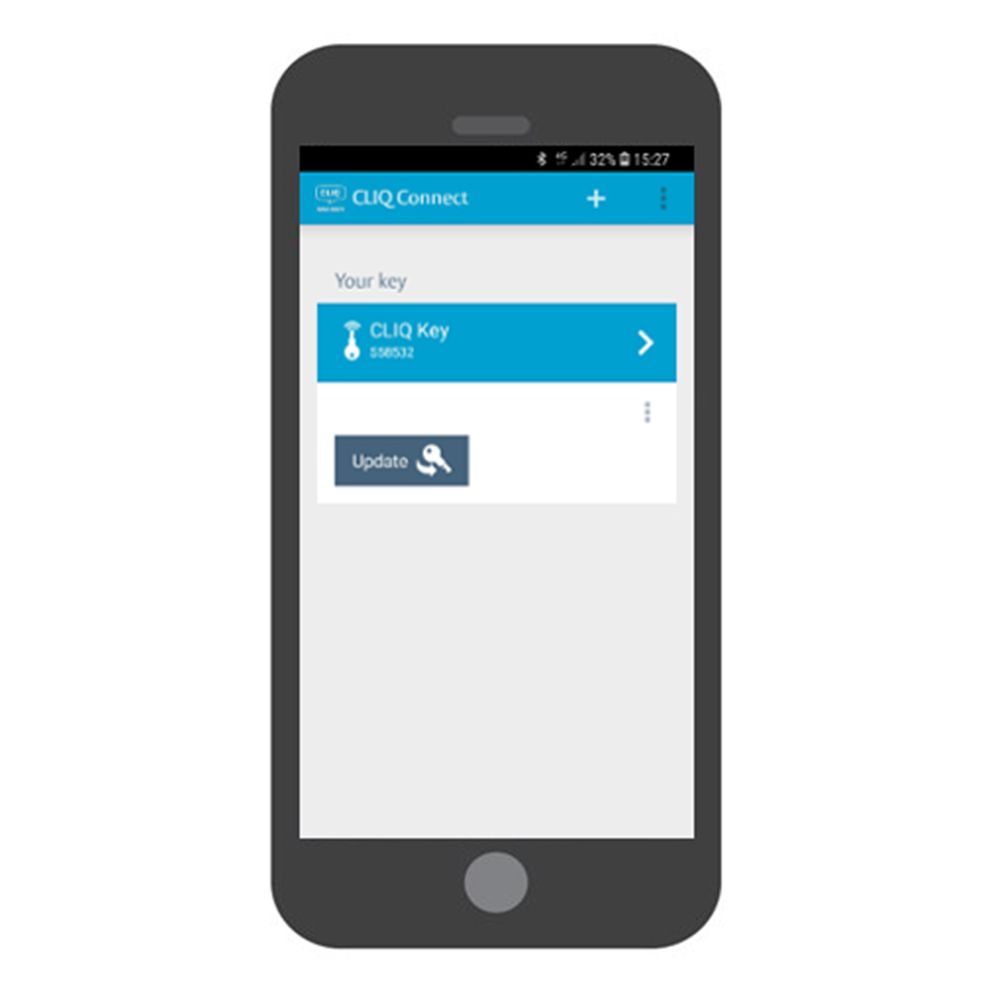
CLIQ Connect Mobile App